
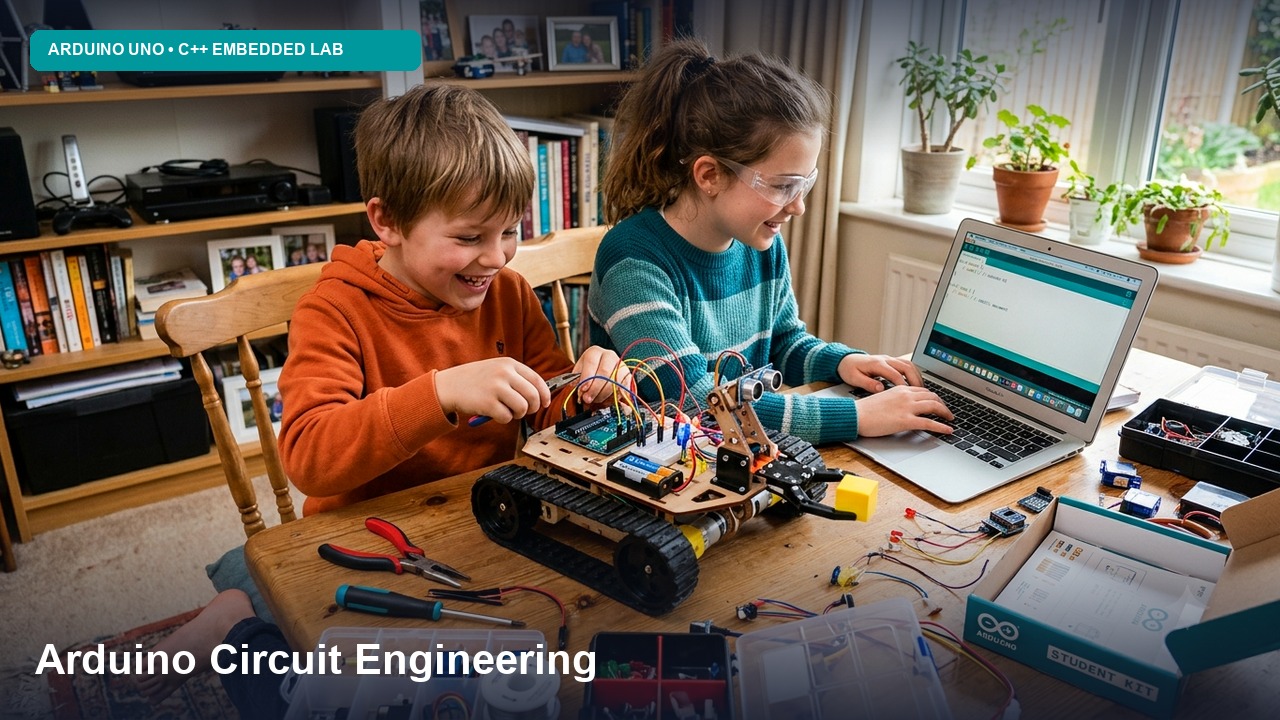
Course Curriculum & Learning Progression
The Arduino SimLab curriculum at Axilearn is hands-on and project-based, and it is aligned with NEP 2020. Learners build every circuit virtually in Tinkercad Circuits. They start with block coding, move on to real Arduino C/C++, and finish with an engineering capstone. Every design uses real, standard components, so a learner can later rebuild any project on physical hardware.
Structured Level Breakdown
Circuit Spark ⚡
Safe circuit design in Tinkercad, Ohm's law, breadboards, LEDs, buttons and sensors, plus your first Arduino programs in block coding.
Topics Covered:
- Getting started with Tinkercad: joining a classroom, the workspace, the component library, and running a simulation
- Electricity basics: voltage, current, resistance, Ohm's law, and series vs parallel circuits
- Using a breadboard, battery, LED polarity, the resistor colour code, and the virtual multimeter
- Meeting the Arduino Uno: pins, 5V/GND, and digital outputs
- Block coding: setup and loop, turning pins on and off, and adding waits
- Digital input: push buttons, pull-down resistors, and if/else logic
- Analog input: potentiometers, LDRs, analogRead, and the Serial Monitor
- Sound and colour: piezo buzzer tones and RGB LEDs
- Variables, counters, and repeat loops
Code Pulse 💡
The move from blocks to real Arduino C/C++ in Tinkercad's text editor. Covers PWM, functions, sensors, LCD displays, servos and DC motor drivers.
Topics Covered:
- Arduino C/C++ syntax: data types, operators, and debugging with Serial
- Control flow: if/else, switch, for and while loops, and millis() vs delay()
- Functions and arrays, including a reusable LED chaser
- PWM with analogWrite(), map() and constrain() for LED fading and brightness control
- Sensors: HC-SR04 ultrasonic, TMP36 temperature, PIR motion, soil moisture, and gas sensor
- Displays: 16×2 LCD (parallel and I2C) and 7-segment displays
- Actuators: servo motors, DC motors with the L293D driver, transistor switching, and relays
- Input devices: 4×4 keypad and IR remote
System Forge 🛠️
Engineering-grade techniques: state machines, hardware interrupts, timer registers, UART and I2C communication between boards, encoder-based PID motor control, and a documented capstone.
Topics Covered:
- Non-blocking code and finite state machines
- Hardware interrupts: attachInterrupt(), volatile, and debouncing
- Timers and registers: direct port manipulation (DDRx/PORTx) and Timer1 basics
- Communication protocols: UART serial and I2C master/slave between two Arduinos, with SPI covered conceptually
- Closed-loop control: DC motors with encoders, speed measurement, and PID tuning
- NeoPixel LED strips and multi-sensor fusion
- Data visualisation with the Serial Monitor graph
- The engineering process: requirements, schematic, component list (BOM), documentation, and moving from simulation to real hardware
Course Summary
Key Highlights:
- No hardware needed: 100% browser-based circuit simulation
- Clear coding path: Blocks → Blocks + Text → Arduino C/C++
- Step-by-step video labs with ready Tinkercad starter circuits
- 17 mini projects plus 3 level-end capstone projects
- Sensors, LCDs, servos, DC motors, relays, keypads & NeoPixels
- Interrupts, timers, UART/I2C protocols, and PID motor control
- Hardware-ready designs: can be rebuilt with physical Arduino kit
